
PCP Tools
Explore six PCP tools to better understand students and facilitate meaningful conversations that support person-centred transition planning.
Person-Centred Planning (PCP) Tools are a set of templates designed to facilitate meaningful conversations and capture essential information. In person-centred Transition Planning, PCP tools can be used to help the student fill in his/her preparation booklet. SPED educators can also integrate these tools into the curriculum and use them beyond formal FEM.
Learn about the different PCP tools below.
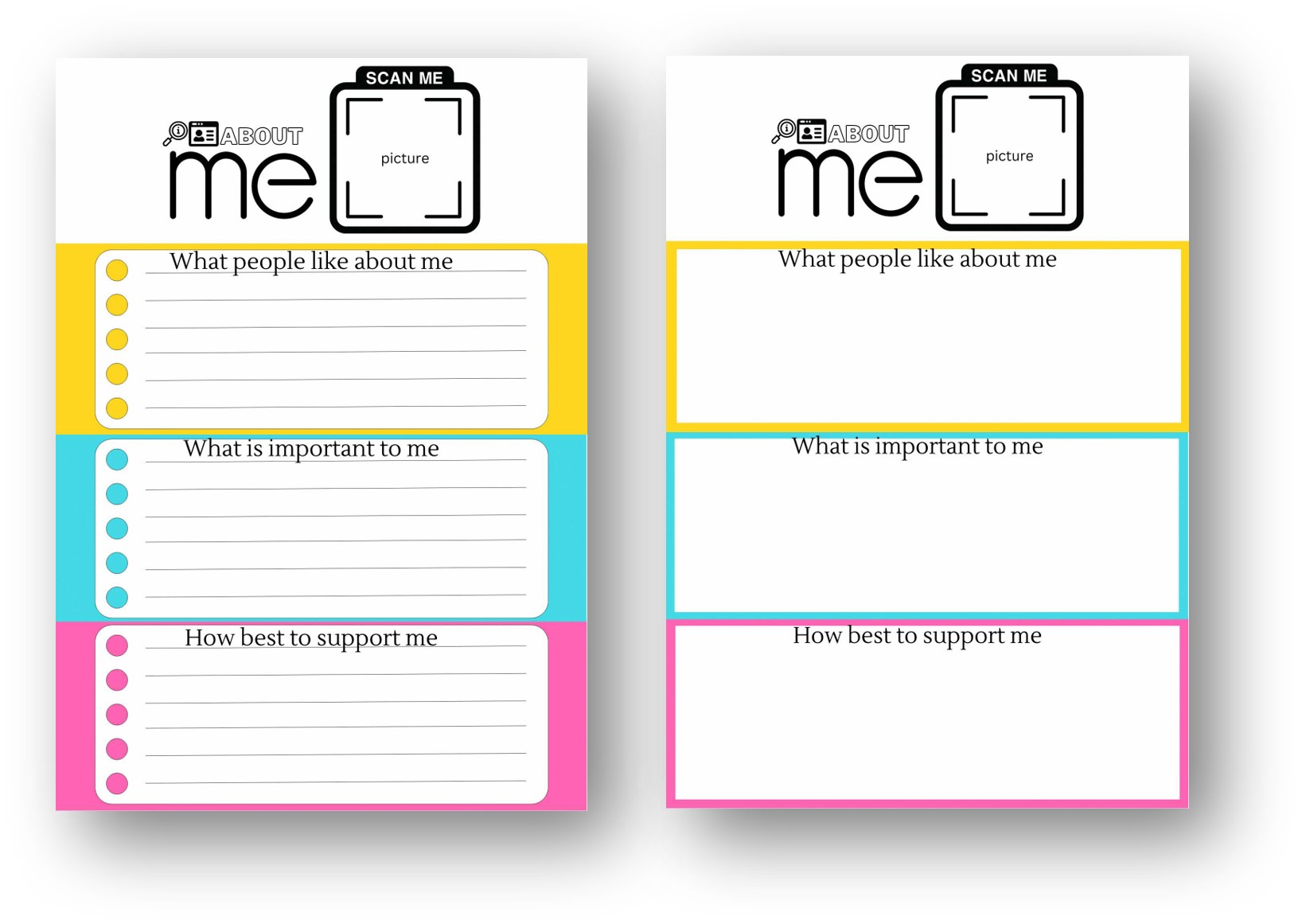
One-Page Profile
This tool distills key information about the student, including their strengths, preferences, interests, and the support they require. It facilitates more personal interactions.
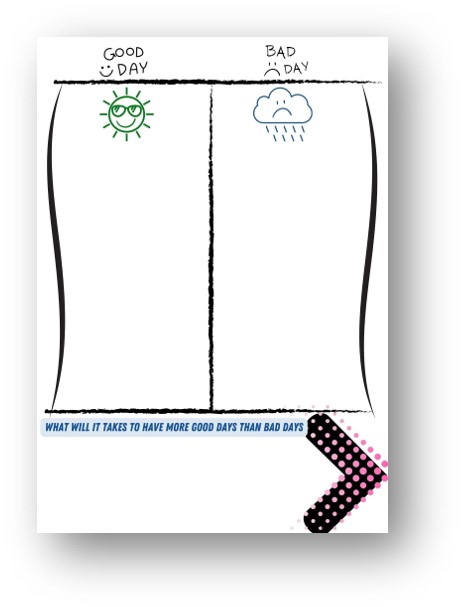
Good Day, Bad Day
This tool highlights the elements that contribute to the student’s well-being. It allows for proactive planning to maximise the occurrence of good days. It can be used with One-Page Profile to elicit the student’s needs and preferences.
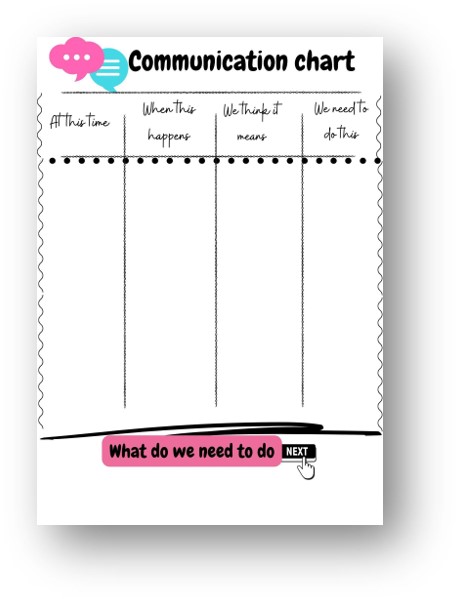
Communication Chart
This tool documents the student’s ways of expressing their thoughts and feelings. It bridges communication gaps, especially for students with limited verbal communication abilities.
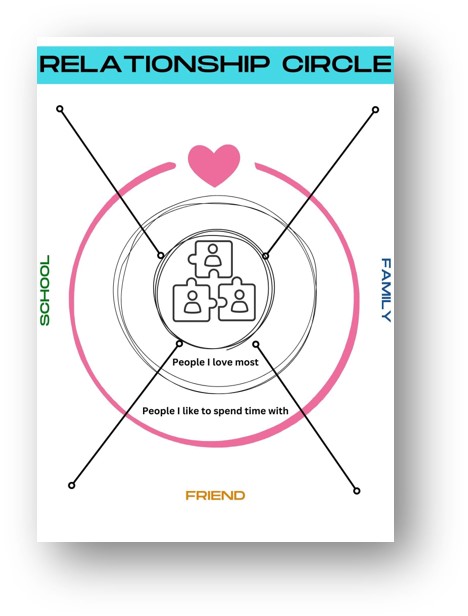
Relationship Circle
This tool visually depicts the student's relationships with others. It ensures an understanding of the student’s social ecosystem, allowing targeted efforts to strengthen their existing relationships and build new ones.
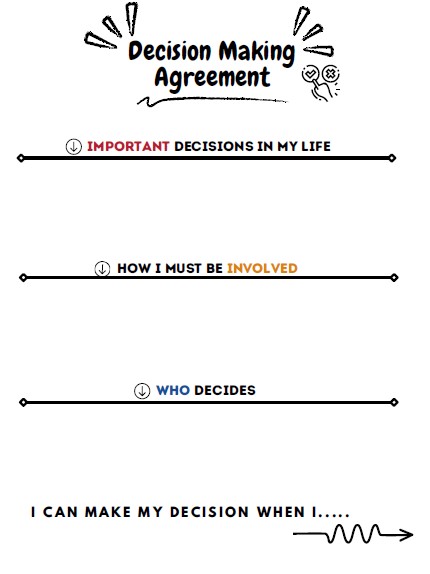
Decision-Making Agreement
The tool identifies the key decisions, how the student should be involved, and who holds the final say. It examines how much choice and control the student has, and realigns the balance of decision-making power.
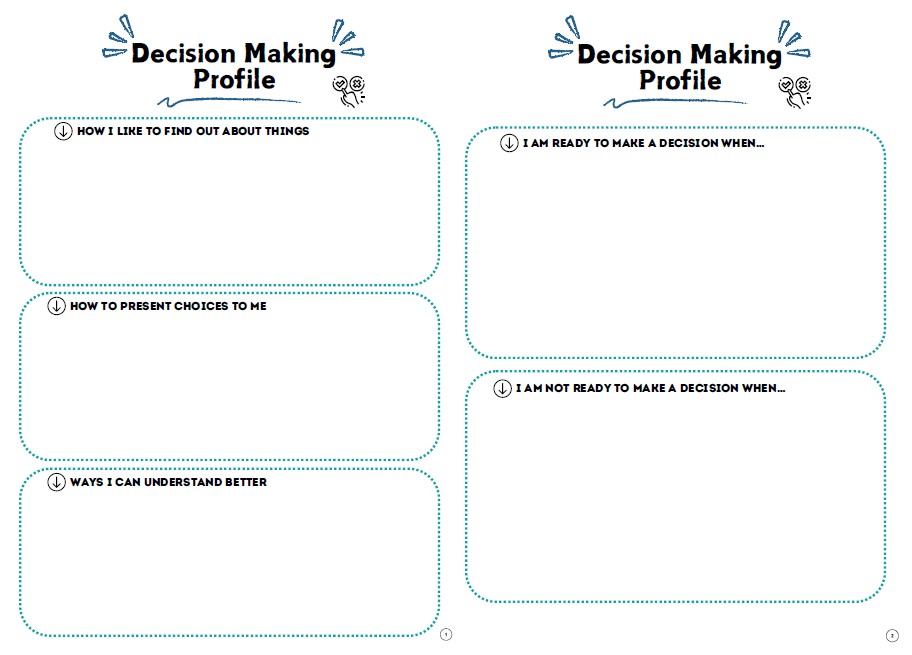
Decision-Making Profile
This tool identifies how the student receives, processes, and responds to information. It highlights effective communication methods and presents choices to the student, thereby empowering them to make decisions. It can be used with One-Page Profile and Communication Chart.
You may also download the compiled set of PCP tools here (opens in new tab).